Description
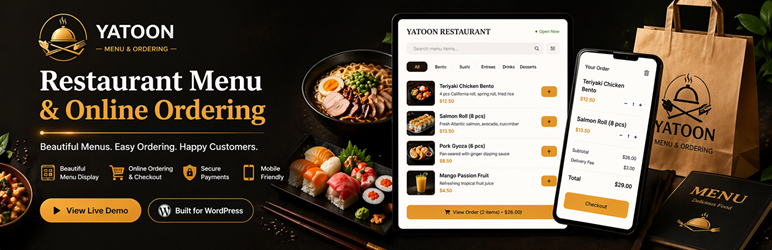
Yatoon Restaurant Menu & Online Ordering helps restaurants turn a WordPress website into a clean mobile ordering experience without marketplace commissions.
It is built for small restaurants that want to own the customer relationship: publish a photo menu, accept pickup, delivery, and dine-in orders, print kitchen tickets, send confirmations, and bring customers back with favorites, loyalty points, coupons, and follow-up emails.
Unlike generic form or ecommerce plugins, Yatoon is organized around the daily restaurant workflow: menu, order, kitchen, customer status, reports, QR tables, and launch readiness.
Highlights
- Setup Wizard with launch checklist and automatic page creation
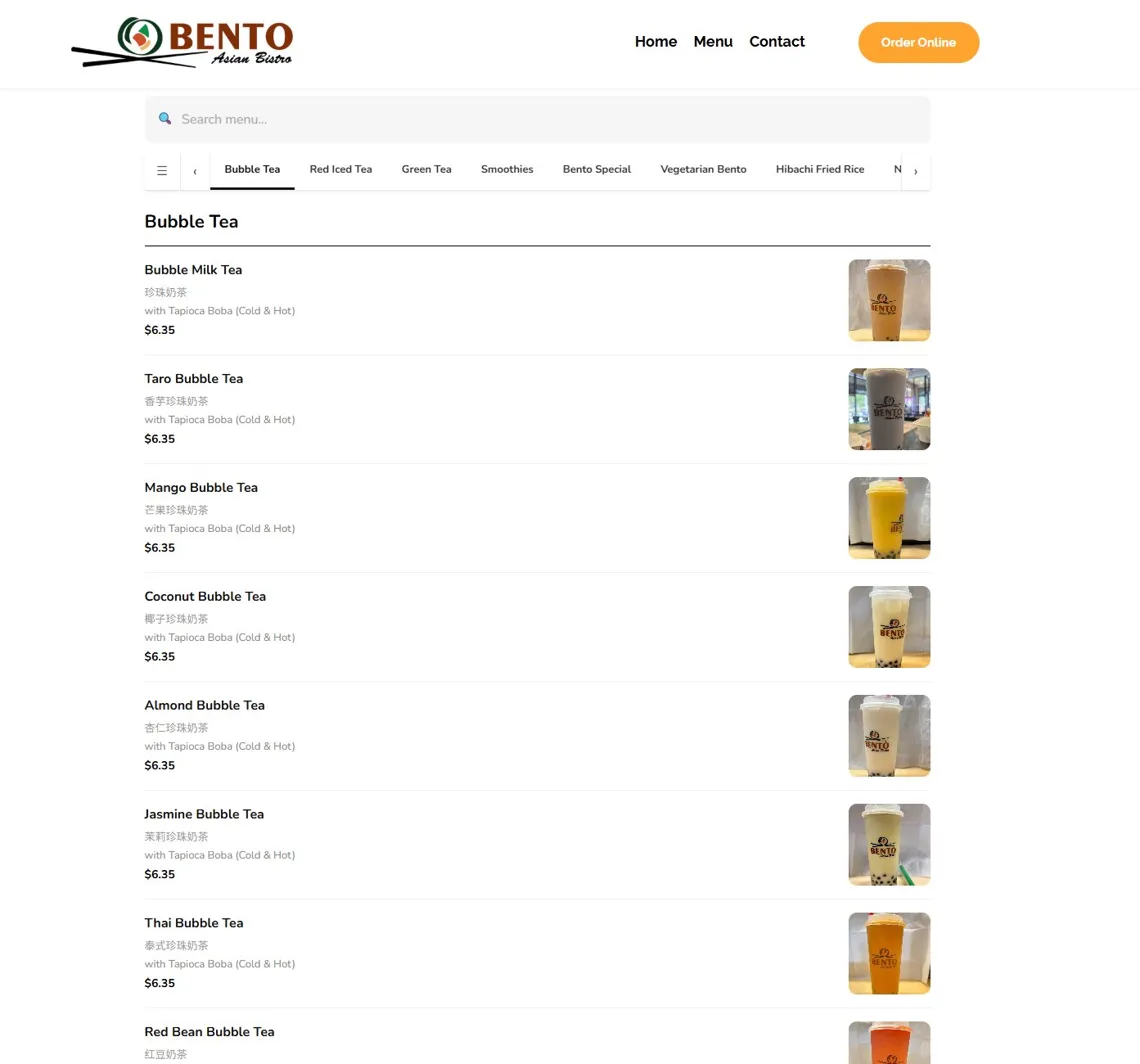
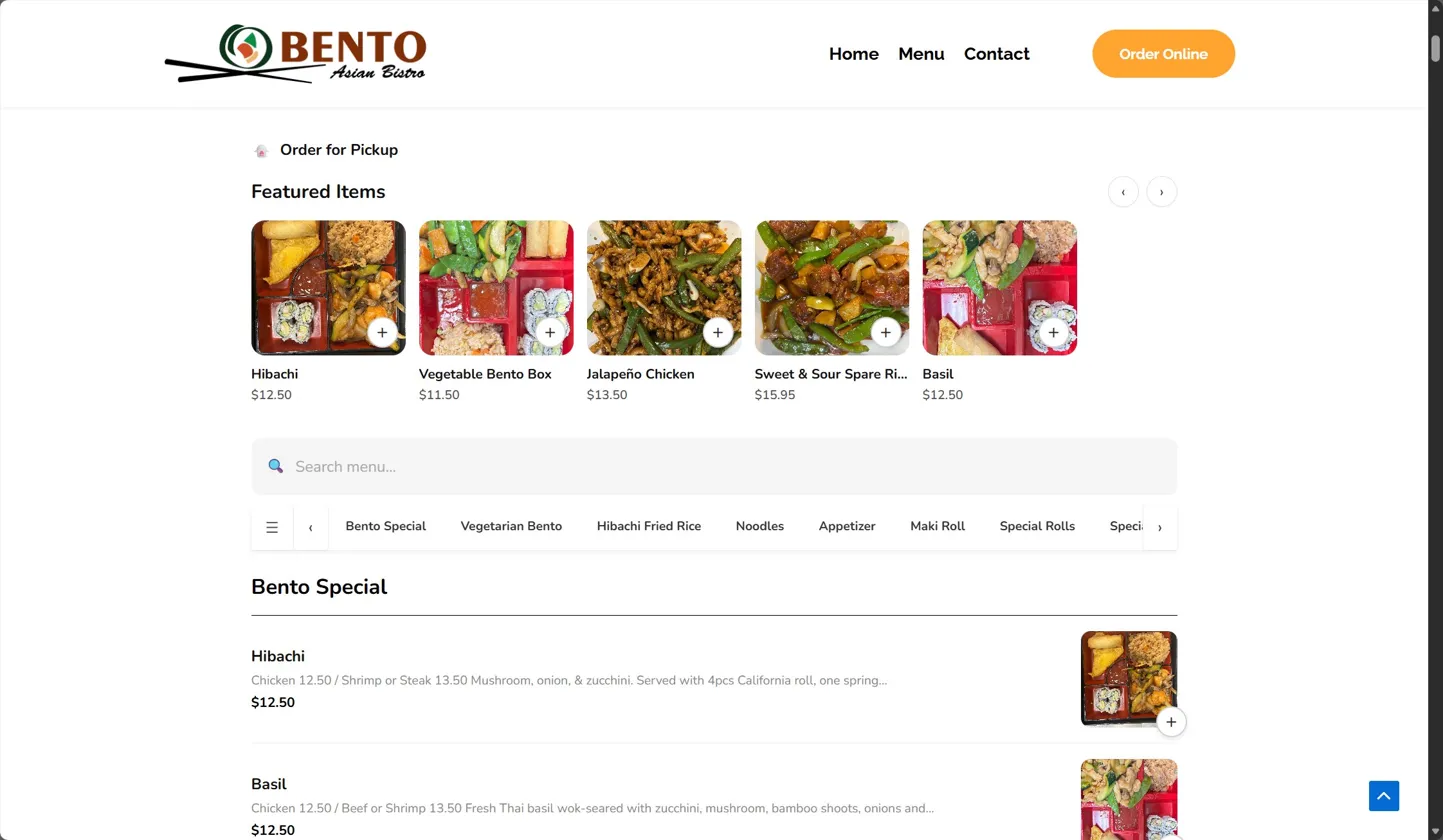
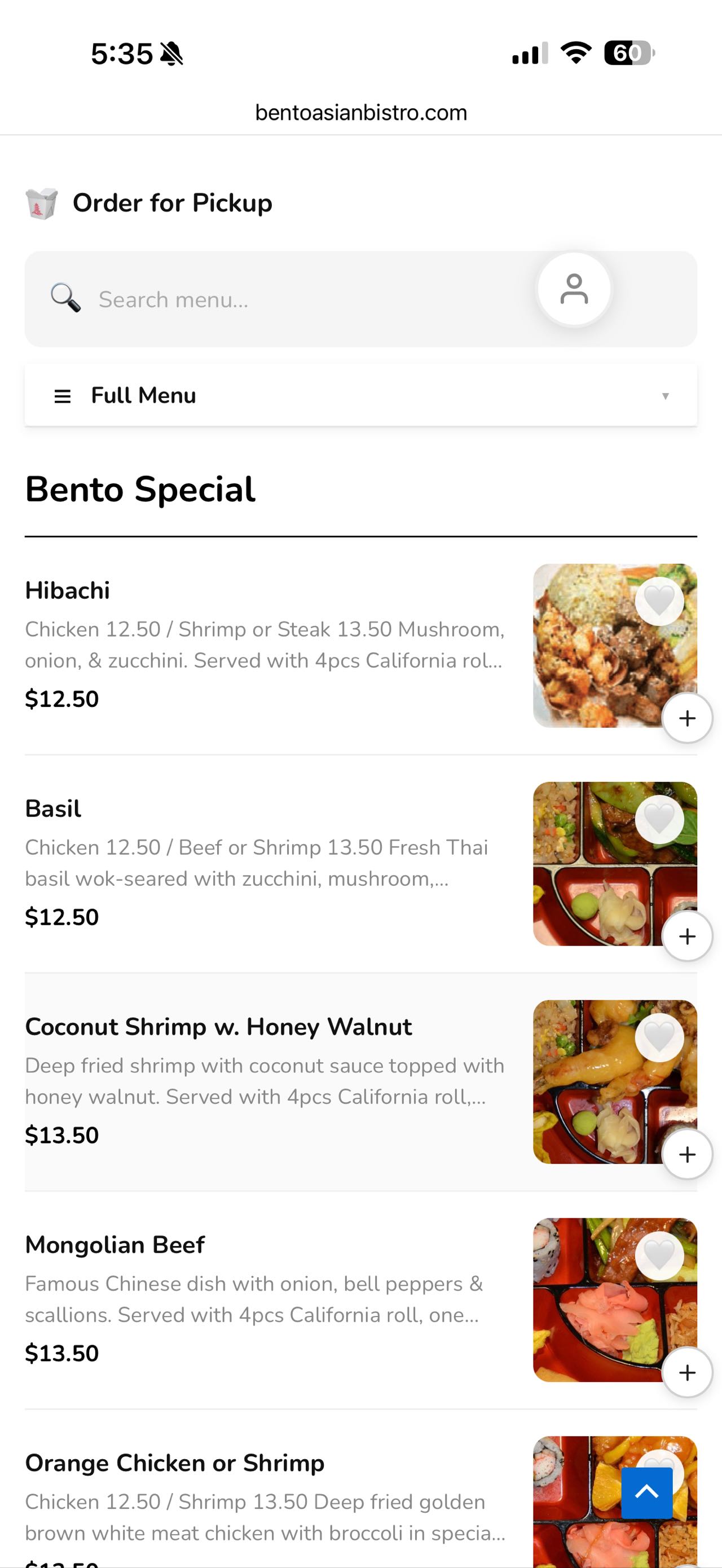
- Responsive menu with photos, categories, featured items, and search
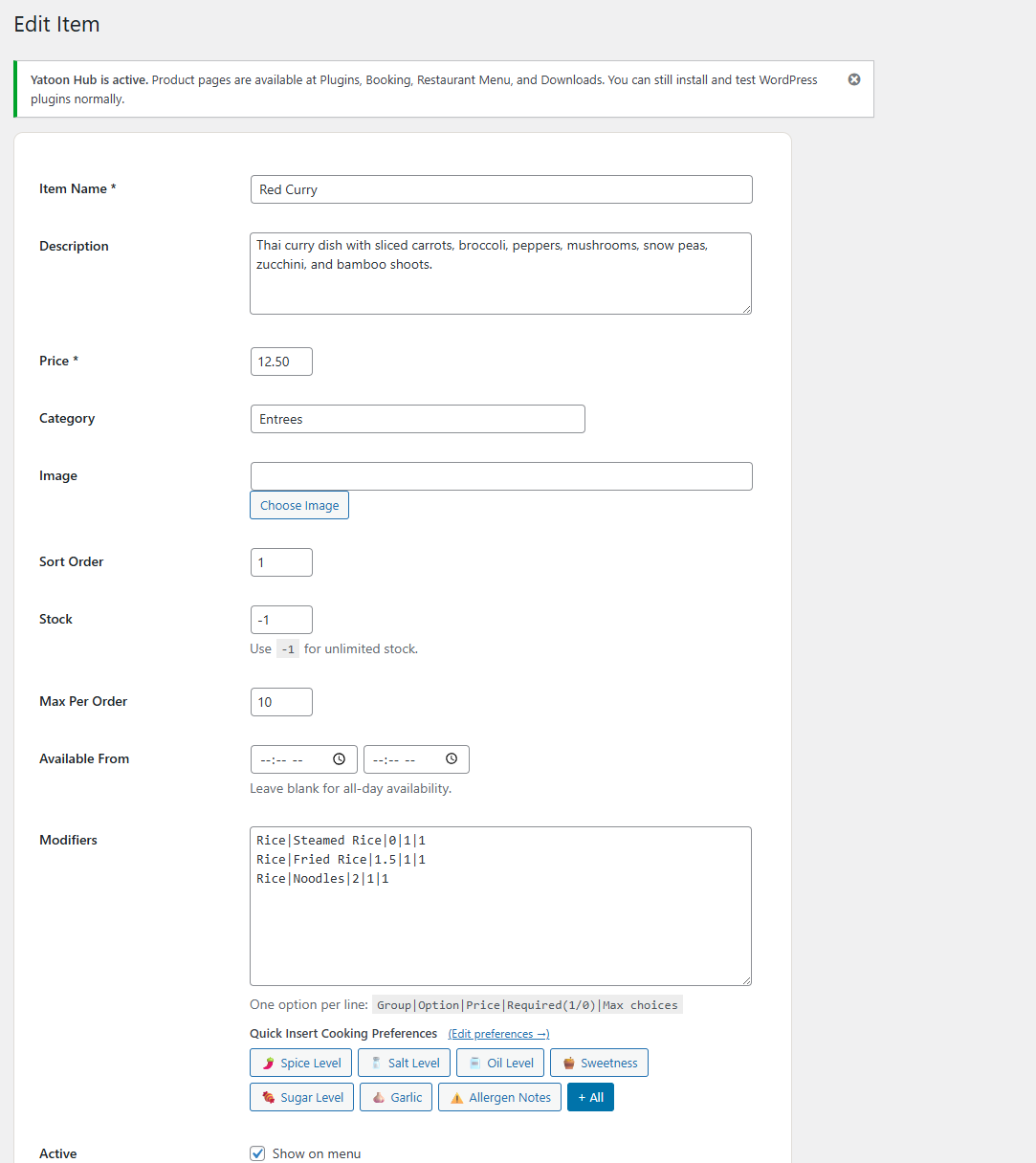
- Modifiers, cooking preferences, and special instructions
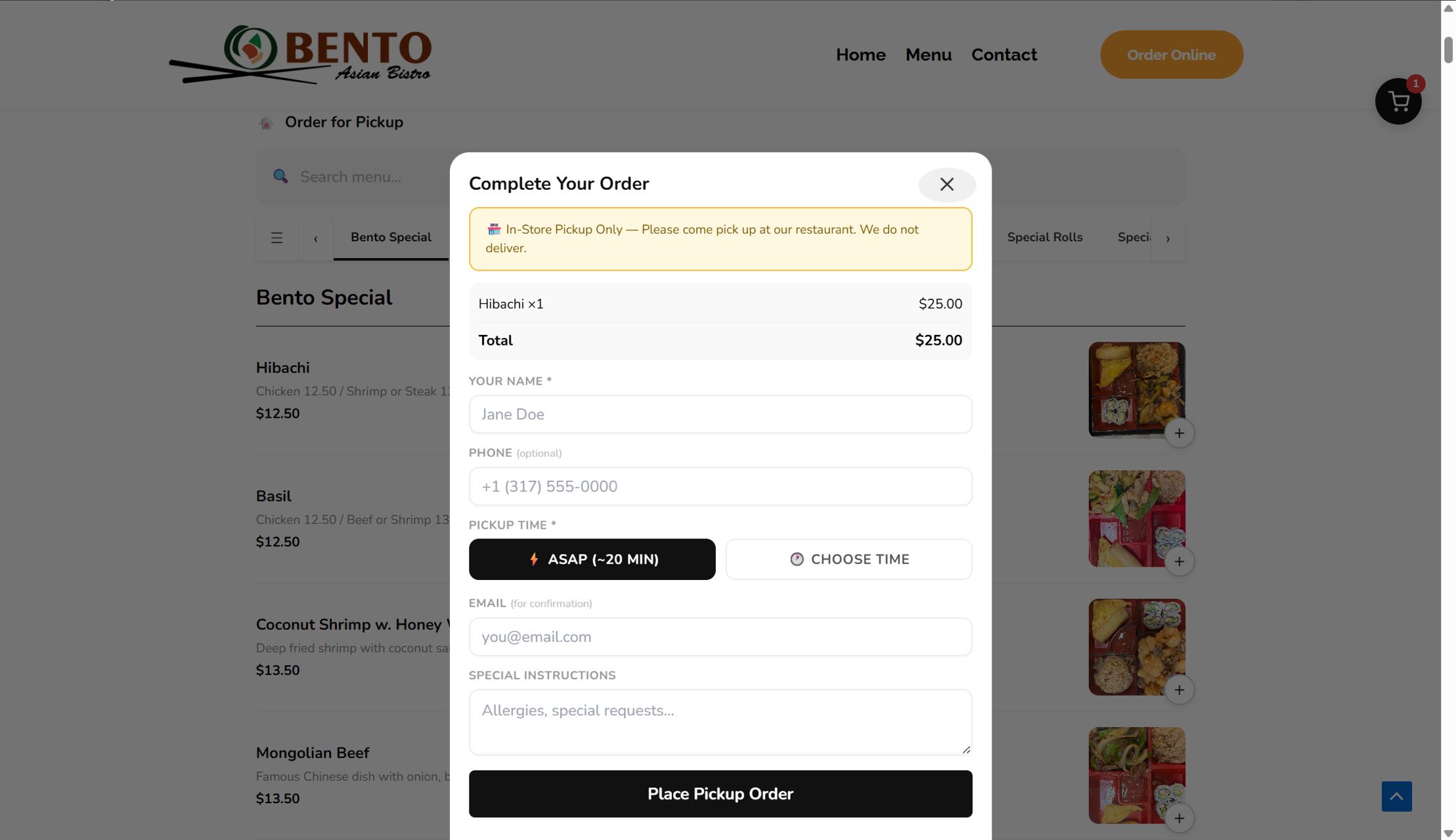
- Pay-at-restaurant ordering for pickup, delivery, and dine-in
- Delivery zones with minimum order, zone fees, and ETA labels
- Closed dates / holiday controls for blocking orders on special days
- Coupons, tips, tax, service fee, scheduled orders, and slot capacity
- Kitchen Display shortcode and customer Order Status shortcode
- QR table tools for dine-in ordering
- 30-day reports, CSV exports, and printable kitchen tickets
- Table reservations with time slots, party size, location, and admin confirmation
- Reservation capacity controls and customizable reservation emails
- Multi-location menu visibility and front-end location switching
- Browser-based auto-print helper for kitchen tickets
- Optional cloud print webhook for thermal print bridges
- Customer accounts with order history, favorites, profile, and address book
- Loyalty points, follow-up email campaigns, birthday coupon planning, and Google Business profile prompts
- Email notifications and browser sound alerts for new orders
- Item tags and hero promotional banner
Shortcodes
- [yatoon_menu] – full menu with cart and checkout
- [yatoon_kitchen] – kitchen display
- [yatoon_order_status] – customer order tracking
Upgrade to Pro
Yatoon Restaurant Menu Pro adds Stripe card payments, Apple Pay, Google Pay, Alipay, WeChat Pay, PayPal, Stripe webhook recovery, and Twilio SMS.
External Services
The Free version does not call payment or SMS services. QR table cards use goQR.me’s public QR image endpoint in the WordPress admin when you open the QR Tables page. If you configure Cloud Print Webhook, new-order ticket JSON is sent to the URL you enter. Freemius SDK is bundled for licensing and account services.
- goQR.me QR Server: https://goqr.me/api/ Terms: https://goqr.me/api/doc/ Privacy: https://goqr.me/privacy/
- Optional merchant-configured print webhook: terms and privacy depend on the webhook provider you enter.
- Freemius: https://freemius.com/ Terms: https://freemius.com/terms/ Privacy: https://freemius.com/privacy/
Screenshots
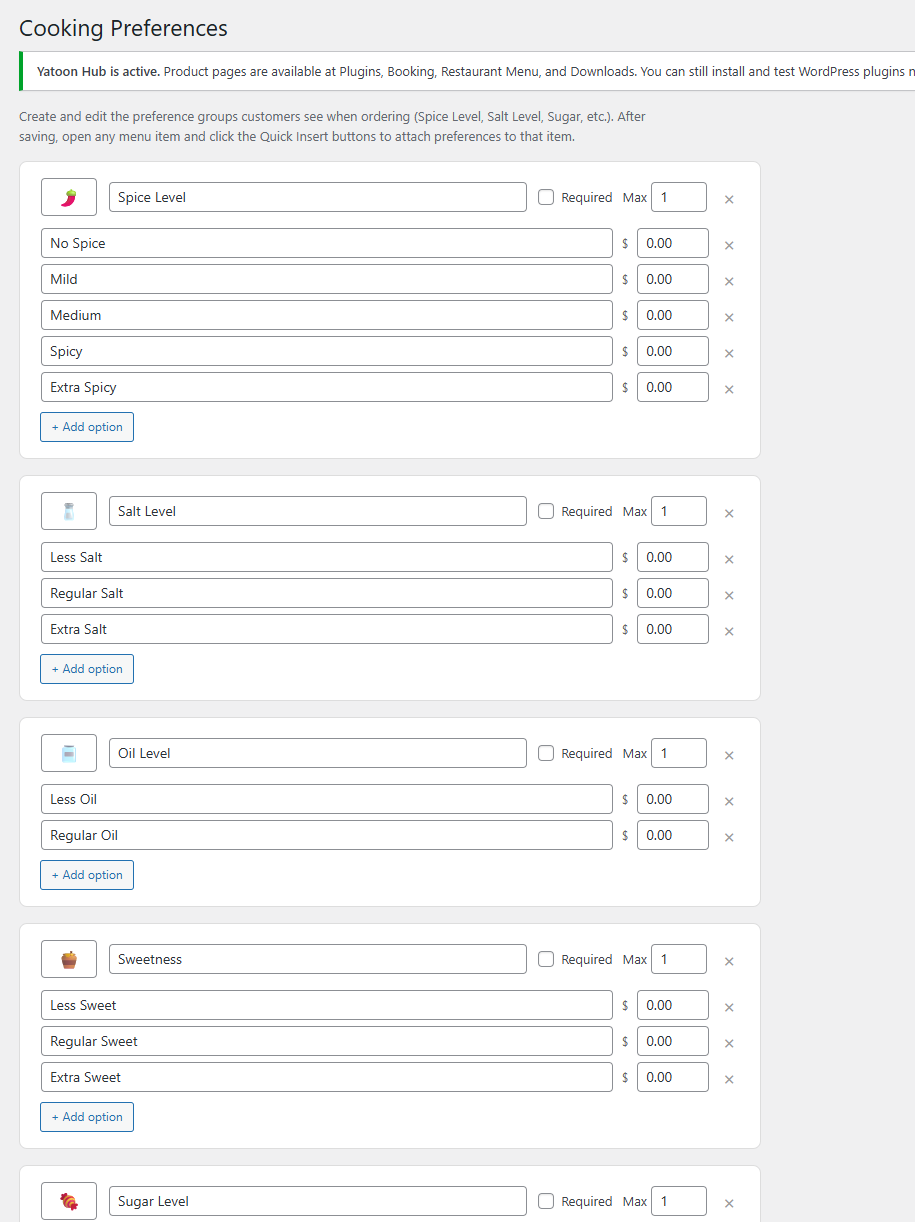
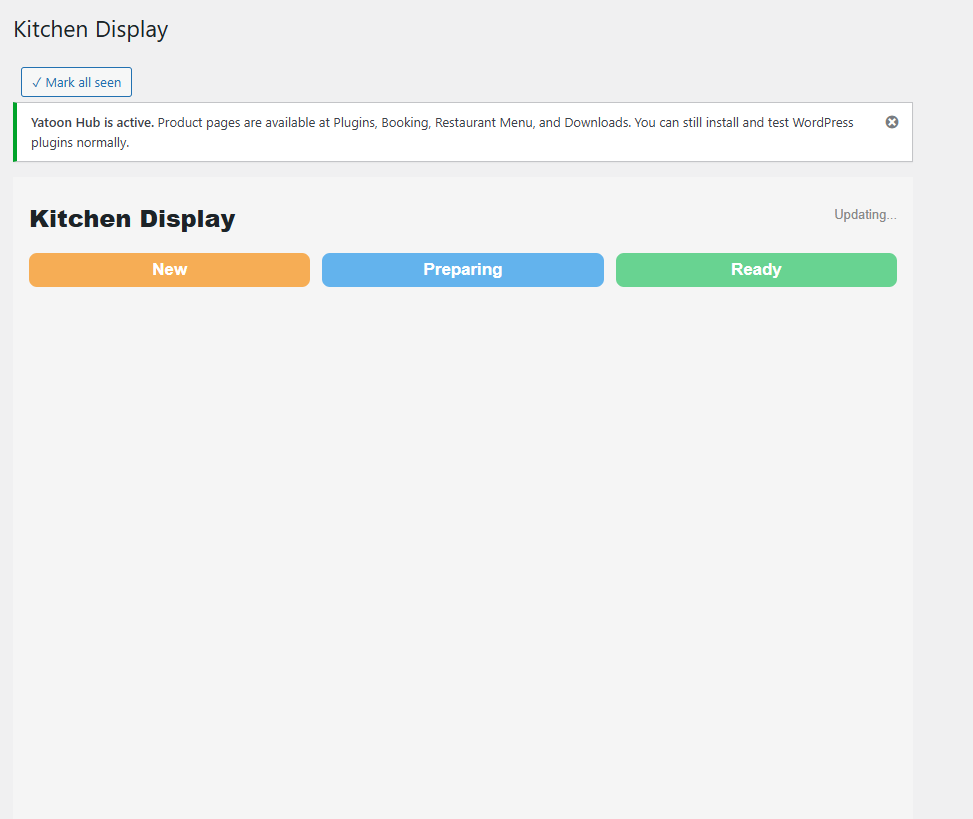
Installation
- Upload and activate the plugin ZIP.
- Open Yatoon Restaurant Menu > Setup Wizard.
- Create the required pages and configure restaurant settings.
- Add or edit menu items.
- Test a complete order before going live.
Reviews
There are no reviews for this plugin.
Contributors & Developers
“Yatoon Restaurant Menu & Online Ordering” is open source software. The following people have contributed to this plugin.
Contributors
Translate “Yatoon Restaurant Menu & Online Ordering” into your language.
Interested in development?
Browse the code, check out the SVN repository, or subscribe to the development log by RSS.
Changelog
2.3.7
- Refined favorite heart styling to remove the circular background and use a lighter icon-only treatment.
2.3.6
- Fixed favorite heart visibility so CSS cannot expose the button before a customer is signed in.
2.3.5
- Hid favorite hearts for signed-out visitors and WordPress administrators; favorites now appear only for customer accounts.
2.3.4
- Added a productized admin launch dashboard with readiness progress, clear setup actions, and stronger restaurant-focused positioning.
- Added subtle front-end trust badges for direct restaurant ordering and customer order updates.
2.3.3
- Prevented browser username autofill from appearing in the menu search box.
2.3.2
- Changed favorites so heart buttons are hidden for signed-out visitors and shown only after sign-in.
- Fixed favorite click handling so saved items update reliably after login.
2.3.1
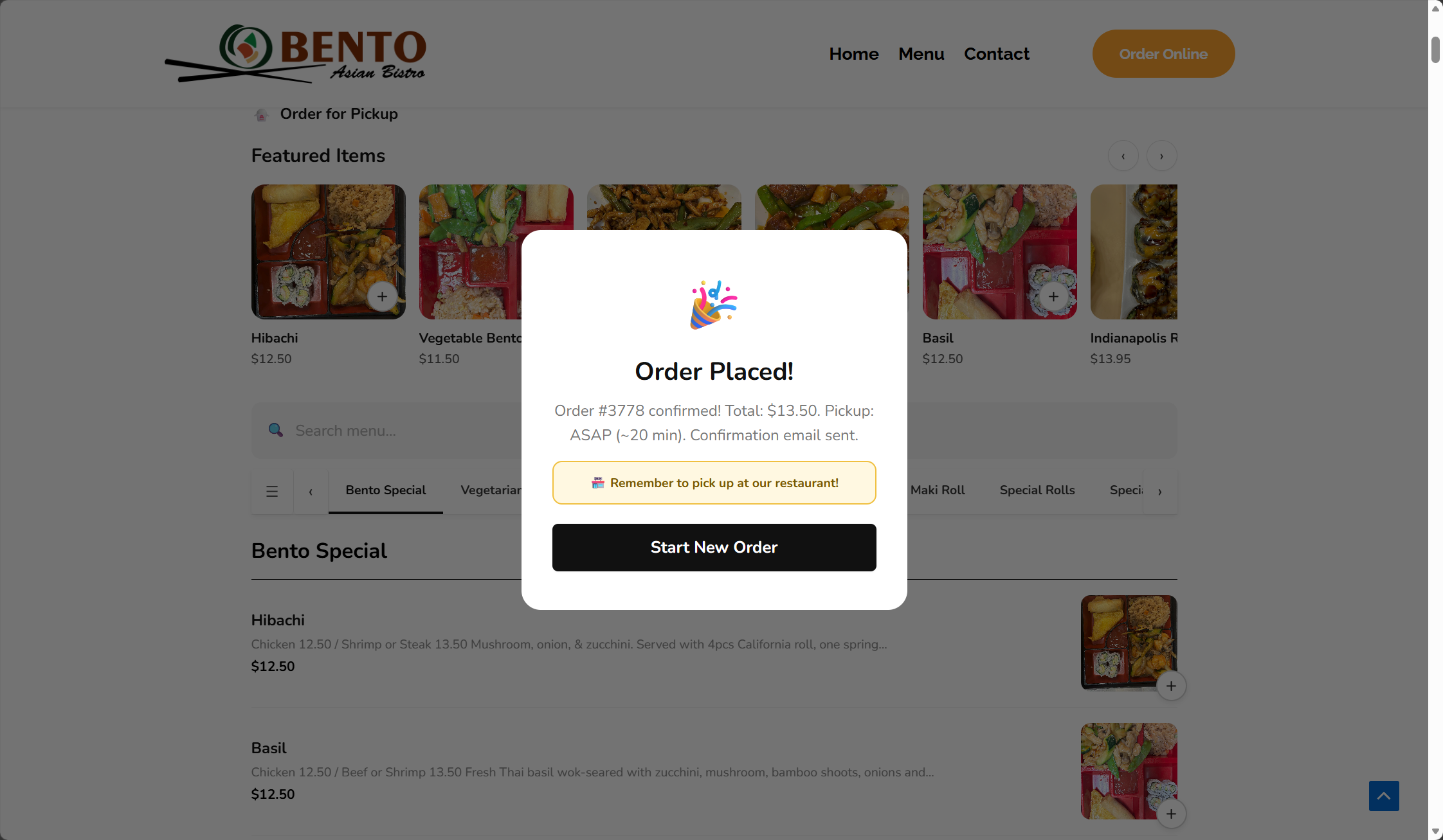
- Polished front-end icons, checkout copy, pickup notice styling, cart drawer height, and order confirmation details.
- Improved admin menu item and order screens with cleaner cards, table spacing, image styling, and action layout.
2.3.0
- Added Apple-inspired front-end polish with cleaner menu cards, softer shadows, rounded controls, and mobile cart improvements.
- Added an operations dashboard with order, sales, payment, delivery, print, and Google Business health cards.
- Added loyalty points, birthday coupon planning, follow-up email campaigns, abandoned-cart campaign settings, and Google Business profile prompts.
- Updated Pro messaging to include PayPal alongside Stripe, wallets, Alipay, WeChat Pay, and Twilio SMS.
2.1.0
- Added visual row editors for locations, delivery zones, closed dates, reservation slots, and QR tables.
- Added reservation capacity per time slot and location.
- Added reservation request, confirmation, and cancellation email templates.
- Added optional cloud print webhook for thermal/cloud print bridge integrations.
- Updated the front-end menu into a card block layout and added WordPress.org screenshot assets.
2.0.0
- Added table reservation form shortcode, reservation database table, and admin confirmation workflow.
- Added multi-location setup, front-end location switcher, and menu item visibility by location.
- Upgraded reports with date filters, daily sales chart, top item revenue, and range-based CSV export.
- Added browser auto-print helper for new kitchen tickets.
- Refined front-end and admin UI for cleaner restaurant operations.
1.9.5
- Added closed dates / holiday controls with custom customer-facing closure messages.
- Added CSV export for all orders and last-30-day reports.
- Added printable kitchen/order tickets from the Orders screen.
1.9.0
- Added delivery zones with address matching, zone fees, minimum order checks, and ETA labels.
- Added QR Tables admin page with printable table cards and dine-in prefill links.
- Added Reports dashboard for 30-day sales, order counts, fulfillment mix, statuses, and top items.
- Added table and delivery zone context to kitchen display cards.
1.8.0
- Added Setup Wizard with launch checklist and automatic page creation.
- Added visible Kitchen Alerts settings for browser sound and kitchen polling token.
- Updated onboarding for version 1.8.0.
- Fixed Plugin Check database query findings for custom plugin tables.
1.7.0
- Improved mobile app-style ordering UI.
- Added safer order tracking with secure tracking keys and contact verification fallback.
- Added scheduled-order validation, pause ordering controls, and time-slot capacity checks.
1.6.2
- Added item tag badges, hero promotional banner, and visual coupon manager.
- Fixed cart quantity buttons for items with modifiers.
1.5.0
- Initial public release.